AutoTrade Pocket Desk turns your phone, tablet, or any web browser into a live trading remote control for your MetaTrader terminal. No app to install — just a 4-character CONNECT code and any browser. Attach the EA to a single chart, and within seconds your account, open positions, and full Market Watch appear on your dashboard, ready for one-tap trading.
It identifies no trade entries and carries no strategy of its own — every action it ever takes traces back to a single, deliberate tap from you. Close a position before a news release, lock in profit on a winning trade, or step into a hedge, all from a phone in your pocket.
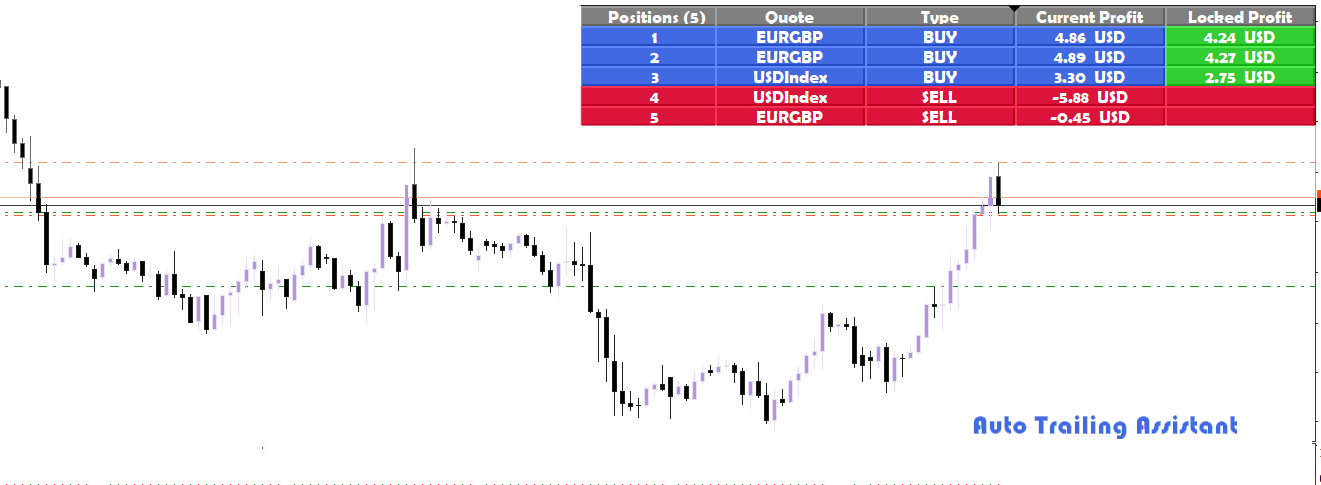
AutoTrade Pocket Desk dashboard — one-tap trading from any device
30-Second Setup
Attach to any chart, any symbol. The EA prints a 4-character CONNECT code in your Experts tab automatically — type it into your browser and you're live.
One-Click Trading
BUY and SELL on any symbol in your Market Watch, with live bid/ask and spread shown before you confirm every trade.
Full Position Management
Break Even, Close & Reverse, Close Buys, Close Sells, Close Losers, Close Winners — and one tap to Close All.
Built-In Hedge Controls
Open a simultaneous Buy and Sell to lock in exposure, or close only the losing leg of an existing hedge pair.
Multi-Account Dashboard
Run Pocket Desk on several MetaTrader accounts and switch between every one of them instantly from the same dashboard.
44 Languages, RTL Supported
The dashboard is fully translated, with automatic right-to-left layout for Arabic, Urdu, Farsi, and Hebrew.
Zero Strategy Risk
Pocket Desk never places a trade on its own. Every action originates from a deliberate tap by you, on your phone. It carries no autonomous strategy of any kind.
Lifetime license · MT4 + MT5 both included · Companion web dashboard included at no extra cost · Free updates
Sign In to Purchase — $120.00 Create Free AccountAttach to One Chart
Attach Pocket Desk to any chart, any symbol, any timeframe in your MetaTrader terminal. One instance controls your entire account — it does not need to run on every chart.
Note Your CONNECT Code
The EA prints a 4-character CONNECT code in your Experts tab, boxed and clearly labelled. The same code reliably reappears every time you restart your terminal, so you only need to note it down once.
Whitelist the Server URL
One-time setup: in Tools → Options → Expert Advisors, check "Allow WebRequest for listed URL" and add https://forexautonomy.com exactly as shown.
Connect From Any Device
Open forexautonomy.com/autotrade on your phone, tablet, or computer and type in your 4-character code. No account number, broker name, or password is ever typed on the phone side.
Trade With One Tap
Your live account, open positions, and full Market Watch appear immediately — ready for one-tap BUY/SELL, position management, and hedge controls.
Moves the stop loss to the entry price on profitable trades, removing downside risk once a position has moved in your favor.
Closes every open position and immediately opens the opposite direction with the combined lot size.
Closes every open position of the selected direction only, leaving the other side untouched.
Closes every position currently in loss, or every position currently in profit, in a single tap.
Opens a simultaneous Buy and Sell of equal lot size, or closes only the losing leg of an open hedge pair.
One tap closes every open position on the connected account immediately — for the moments you need to act fast.
Platforms
MT4 & MT5
Dashboard
Web — any browser
Setup Time
Under 30 seconds
License Type
Single MT account
Languages
44, with RTL support
Multi-Account
Yes, instant switching
Companion App
No install required
Updates
Lifetime, included
No. Pocket Desk works entirely through your browser at forexautonomy.com/autotrade — no app store download required, on any device.
No. Pocket Desk identifies no trade entries and carries no strategy of its own. Every single action traces back to a deliberate tap from you.
No. The code is mathematically derived from your account identity, so the same code reliably reappears every time you restart your terminal.
Your session ends and its command table is destroyed immediately. Your EA keeps running on the terminal — simply reconnect with your code whenever you need it again.
A VPS is recommended for uninterrupted access, but Pocket Desk works on any MetaTrader session — VPS, home PC, or office machine — as long as it stays connected.
AutoTrade Pocket Desk requires the companion web service at forexautonomy.com/autotrade to function. This service is included with your purchase at no extra charge. The MetaTrader Expert Advisor purchased here is the terminal-side client; the dashboard itself is accessed directly in any browser at no separate cost.
⚠ Risk Warning: Forex trading and the use of automated trading systems carry a high level of risk and may not be appropriate for all investors. The high degree of leverage available in forex trading can work against you as well as for you. Before deciding to trade forex, you should carefully consider your investment objectives, level of experience, and risk appetite. There is a possibility that you could sustain a loss of some or all of your initial investment. You should never invest money that you cannot afford to lose. Past performance is not indicative of future results. Terms of Service | Refund Policy